
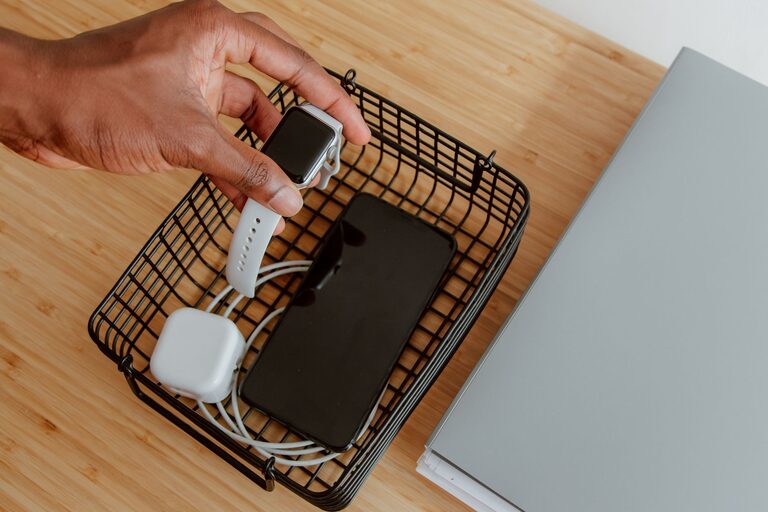
Setting up a dedicated charging station for your devices is a smart way to keep your gadgets organized, fully charged, and ready to use. Whether you have smartphones, tablets, smartwatches, or wireless earbuds, a well-planned charging area helps reduce clutter and prevents misplaced chargers and cables.
In this guide, we’ll walk you through everything you need to know to create an efficient charging station at home. From selecting the right location to organizing cables neatly, you’ll be able to set up a space that suits your needs and keeps your electronics in top shape.
Why Set Up a Charging Station?
Having multiple devices often means dealing with tangled cords, limited outlets, and misplaced adapters. A charging station solves these problems by:
– Centralizing all charging needs in one spot
– Reducing clutter from scattered cables and devices
– Protecting devices by keeping them in an organized, stable place
– Making it easy to monitor charging status at a glance
– Keeping your living or workspace neat and tidy
Choosing the Best Location for Your Charging Station
Consider Convenience and Accessibility
Choose a location where you and your family spend a lot of time, such as:
– Living room side table
– Kitchen counter
– Home office desk
– Bedroom nightstand
Make sure the spot has easy access to power outlets and enough space for your devices.
Safety First
Avoid locations exposed to moisture or extreme heat, such as near kitchen sinks or heaters. Also, pick a place where cords won’t create tripping hazards.
What You’ll Need: Essential Components
Here’s a checklist for setting up a basic charging station:
– Power strip or multi-port USB charger: Allows multiple devices to charge simultaneously. A USB charging hub with fast-charging capability is ideal.
– Charging cables: Ensure you have cables compatible with your devices (Lightning, USB-C, Micro USB).
– Charging stand or organizer: Keeps devices upright and separated.
– Cable management tools: Cable clips, ties, or sleeves to keep cords tidy.
– Storage bin or drawer: Optional, to hide chargers and cables when not in use.
Step-by-Step Guide to Setting Up Your Charging Station
1. Plan Your Setup
– Take inventory of all devices that require charging.
– Note the types of cables and power adapters needed.
– Estimate the space required based on device size and number.
2. Prepare the Surface
– Clean the area where your charging station will be set up.
– Place power strips or chargers where outlets are accessible.
3. Organize Power Sources
– Use a power strip with surge protection to safeguard devices.
– Avoid overloading a single outlet to prevent electrical issues.
4. Arrange Your Devices
– Position the charging stand or organizer on the surface.
– Plug in the chargers and connect cables.
– Place devices on the stands or neatly next to each other.
5. Manage Your Cables
– Use cable clips or ties to bundle and secure excess cable lengths.
– Label cables if you have multiple similar ones to avoid confusion.
– Route cables behind or underneath furniture for a cleaner look.
6. Add Personal Touches
– Include a small tray for accessories like earbuds, chargers, or memory cards.
– Add LED lights or decorative elements to make the station inviting.
Tips for Maintaining Your Charging Station
– Regularly check cables and chargers for damage or wear and replace as needed.
– Clean the area weekly to prevent dust buildup.
– Update the station if you get new devices or chargers.
– Encourage family members or roommates to keep the station organized.
Consider Wireless Charging Options
If your devices support wireless charging, consider adding wireless charging pads or stands. This reduces cable clutter and offers a sleek, modern look. Make sure your station has a flat surface and easy access to power for the wireless chargers.
Troubleshooting Common Charging Station Issues
– Slow charging: Check that your chargers support the appropriate power output for your devices.
– Device not charging: Ensure cables are properly plugged in and not damaged. Restart device if necessary.
– Overheating: Avoid stacking devices during charging and ensure proper airflow.
—
Creating a charging station tailored to your needs can simplify your daily routine and keep your devices ready to use. With a little planning and organization, you’ll enjoy a neat, efficient space that reduces clutter and maximizes convenience. Happy charging!